October Config
Github repository: october-config
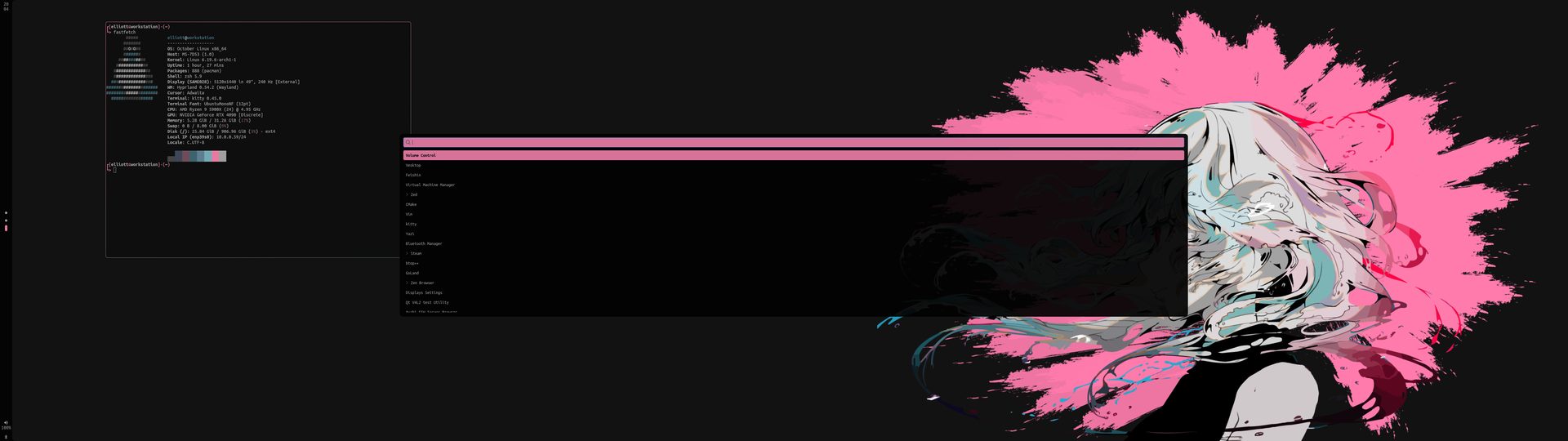
Most Linux distributions ship with an established desktop environment like KDE Plasma or GNOME. For this project, we didn’t go with either since neither of us uses those. We’re both Hyprland users and this is why we chose it for our distribution. Many choices in this configuration are based around Hyprland and Wayland.
Hyprland
Hyprland is a Wayland compositor and a tiling window manager. It offers simple configuration and animations. The community has grown a lot too so it is easy to find tools, when you need something, or help and suggestions. It was made with configuration in mind, so it gives us a lot of liberty as to how we shape the October Linux user experience.
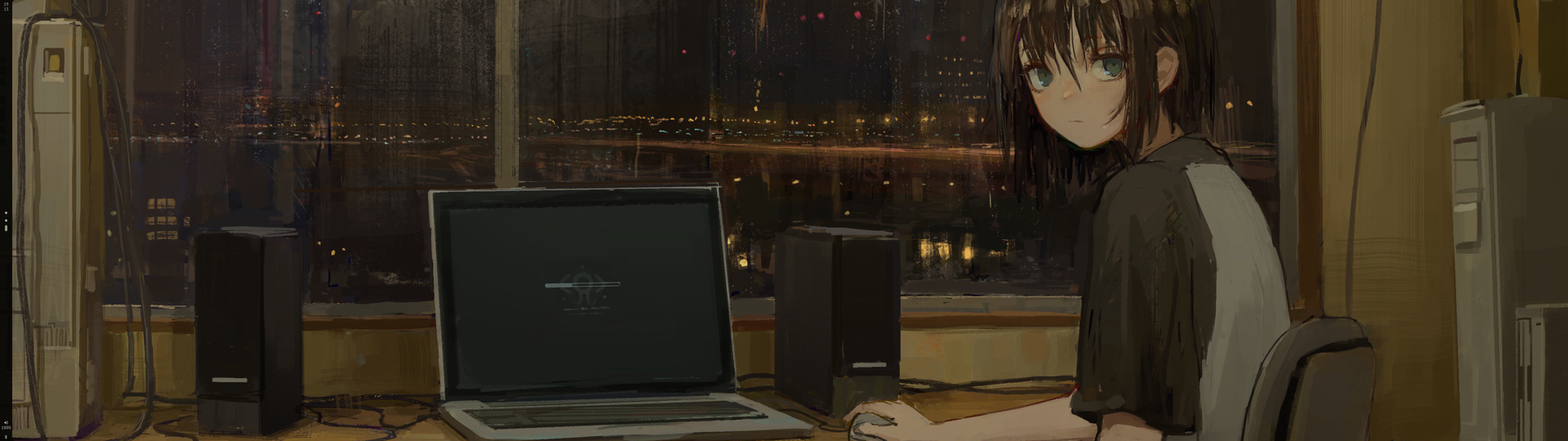
See full picture by clicking here ↗
Honestly, being both long time users of this compositor and being used to it, it was an obvious choice for our distribution. Personally, I like how we can bind a lot of commands to the keyboard instead of heavily relying on the mouse.
Quickshell
Quickshell is a toolkit for building UI shells using QtQuick. It lets us basically make a full UI shell from scratch in the QML scripting language. “UI shell” includes every UI elements that could be “considered part of the system” to put it simply. Think of status bars, notifications, application launchers etc. All those things can be made using Quickshell.

See full picture by clicking here ↗
We decided on making the status bar and notifications with it. We have a status bar that shows important information, at a glance, like current time, workspaces and battery if you’re on a laptop.

See full picture by clicking here ↗
For notifications, it is simply a pop up window that temporarily shows new notifications. If the notification has a picture attached (think of receiving a message and seeing the profile picture), it will show it too.
Other packages
Here is a quick rundown of other packages we used for the October configuration and their role.
- Wofi – An application launcher that allows extensive customization. Simple to use and easily good looking.
- awww (historically swww) – A Wayland wallpaper daemon that allows to easily set up and change wallpapers at runtime. It comes with a lot of animations which makes it nice to use.
- Swayosd – A GTK based on screen display (OSD) for every keys like caps lock, volume, brightness etc. It was exactly what we needed and it allows some customization.
Pywal16
Pywal16 is a Python script that dynamically generate a color palette for a given image. This is, basically, the nice touch that brings the whole configuration together.
Ever been frustrated that the Windows taskbar doesn’t fit with your wallpaper? We were. It is a simple detail that can change the look of an operating system. Pywal16 is the central piece in the solution to this problem.
In the configuration, we have a wallpapers folder where the user can put as many wallpapers
as they wish. There’s a script, bound on SUPER + w (super is the Windows key), that chooses
a random wallpaper inside that folder, places it as the current wallpaper then it generates a
color palette with Pywal16 for that image. It copies all the generated templates in the right places.
This simple script makes the whole configuration fit together as well as the terminal no matter the wallpaper you put. Here a few examples of the configuration with different wallpapers:

See full picture by clicking here ↗
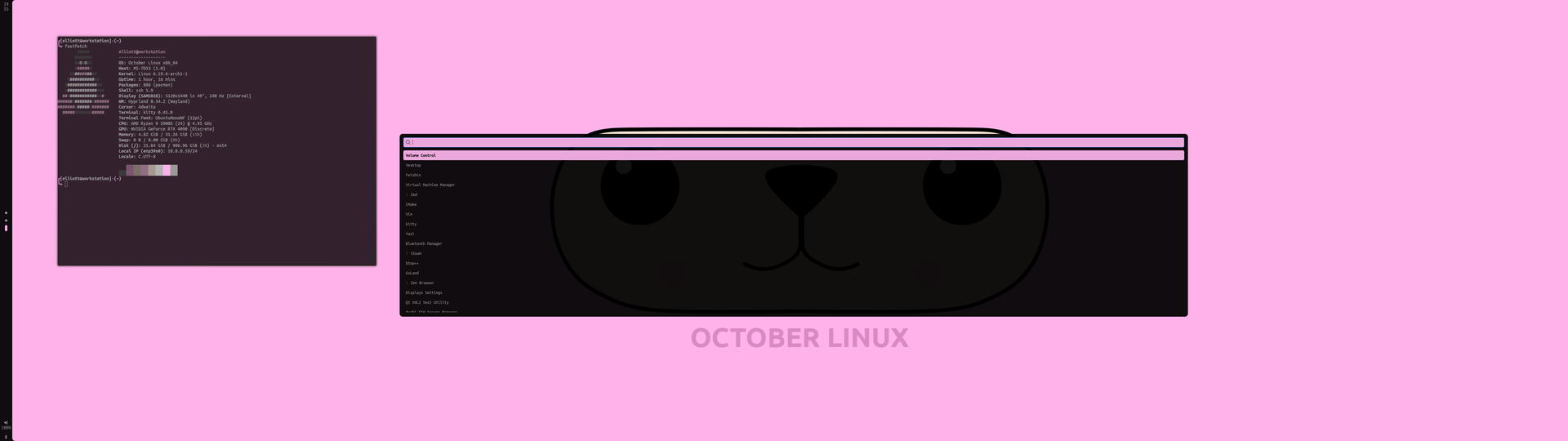
See full picture by clicking here ↗